
How it works
From a supplier URL or a folder of files to a publish‑ready product page in about 10 minutes. Here's what happens in between.
The supplier page is read in full: description, specs, every image at full resolution, PDFs, and each variant with its own SKU, price and photo. Cross-sell and ad clutter is filtered out.
Real Google search data finds the phrases shoppers actually type for this exact model. Each chosen keyword is assigned its own place in the page.
A structured description with clear sections, an at-a-glance summary and a spec table, plus title, meta title, meta description and URL. Every fact comes from the source; nothing is invented.
Supplier photos are analyzed, ordered and renamed around your keywords, with alt text on every one. Sections without a good photo get a custom infographic built from real specs.
A 17-point checklist verifies the whole page. Anything that fails is fixed automatically, and a downloadable SEO report documents every check.
The finished product posts to your Shopify store as a private draft, images, variants, PDFs and SEO fields filled in. You review it and set it live.
A typical upload finishes in about 10 minutes, and uploads run in parallel, so a batch of 20 takes about as long as one.
Inputs
Most products start from a supplier URL, paste it and go. If there's no page to point at, drop the files you have instead. Both paths end in the same draft.
Paste links from your supplier, distributor or the manufacturer's site, up to 20 in one go, one per line. Each URL becomes its own draft and they all process in parallel.
Drafts land privately in your store, review & revise on Storenode before you publish.
Drop product photos, PDF manuals and spec sheets, and text notes, no organizing needed, we sort out what each file is. Product info and metadata can be pasted straight in as text, and keywords are researched automatically if you don't provide any.
Images, PDFs, Word, Excel and text files, up to 60 files, 50 MB each
Review & revise
Every upload lands in your Shopify store as a private draft, mirrored in Storenode. Highlight a sentence, hover an infographic, or revise the whole description or the meta title and description, every change pushes straight to the Shopify draft.
 Revise
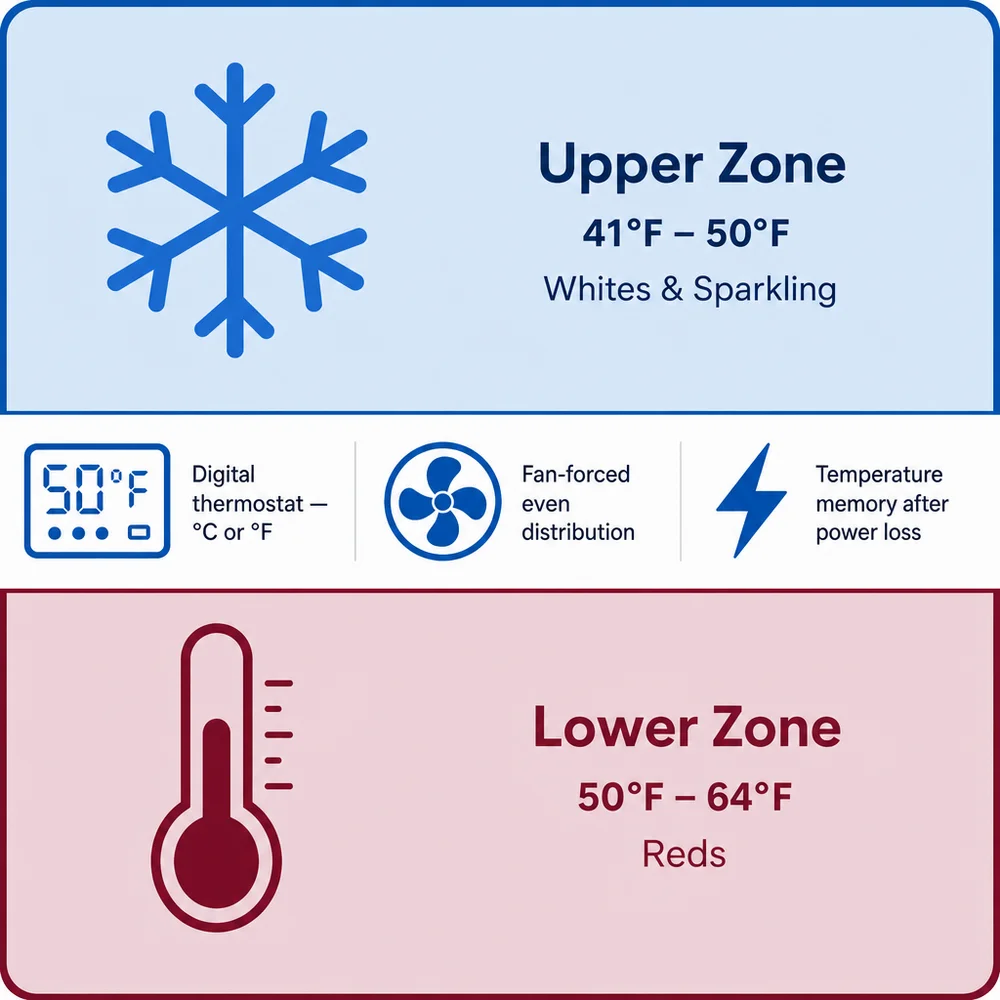
The VC-46DZ holds 46 bottles across two independently controlled zones, so your reds and whites each sit at their own temperature. Six slide-out beech shelves keep every bottle within easy reachRevise, and the soft interior LED shows off the collection without the heat of a regular bulb.
A built-in carbon filter keeps the air inside clean, while the UV-resistant glass door protects your wine from light damage.
Serving temperatures hold steady even with frequent door openings, thanks to the compressor's steady, vibration-free cooling…
Select any sentence and type the change you want, tighter, a different angle, a corrected detail. The rewrite is applied to the Shopify draft itself.
Hover an infographic and hit Revise. Tweak the one you have, "make the accents blue", or have a completely fresh design generated for that section.
Two buttons cover the rest, rewrite the entire description in a fresh tone, or revise the meta title and meta description together. Every change lands on the Shopify draft.
SEO done right
No plugin, no separate audit. Keywords are researched from real Google search data, written into the page, and the finished draft is verified, and auto-fixed, before it reaches your store.
Privacy & safety
Storenode lives outside your storefront. We never touch what shoppers see until you say so.
You connect through a custom app you create inside your own Shopify admin, limited to products, files and the theme templates our per-variant galleries need, nothing else. We never ask for your Shopify login, and your app credentials are stored encrypted.
Every product goes to your store as a draft, hidden from your storefront and search engines. Setting it live is always your click, there is no auto-publish.
Delete the custom app in your Shopify admin, or disconnect the store in Storenode, and access ends immediately. Everything already created lives in your store and stays yours.
Connect your store, paste a supplier URL, and a publish-ready draft is in Shopify about 10 minutes later. Start your 7-day free trial with 1,500 credits, cancel anytime.
